Showing a Digital Permit With No Cell Signal
A digital trail permit is easy to show when your phone has service. On a Virginia ride, that service may disappear before you reach the trailhead. Prepare your permit and identity details before leaving coverage, and know what a ranger can check offline so a dead signal does not become an avoidable delay.
What a digital permit means when service disappears
Spearhead Trails permits are digital, so riders should not expect a windshield sticker or paper permit to stand in for the official record. The permit is associated with the rider’s name, and trail rangers can look up permits by name. That is useful if your phone cannot load the purchase email at the moment you are checked, but it is still sensible to carry your own accessible copy.
The key distinction is between having no mobile data and having no access to your permit. A phone can often display an email or saved image without a connection, provided the message or image was stored on the device before you entered a dead zone. If you have not opened or saved the permit, your email app may try to connect when you tap the message, leaving you with a loading screen instead of proof.
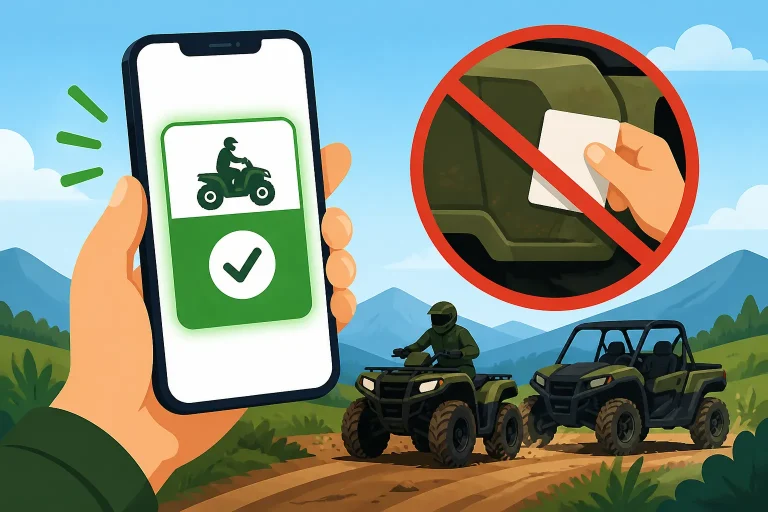
Before a ride, open the permit email while you still have service. Check that it shows the relevant purchase and rider information, then save a copy in a way that remains available offline. Depending on your phone and email service, that may mean saving an image or PDF to the device, or marking the message for offline access. Test the saved copy with Wi-Fi and mobile data turned off. If it still opens, you have a practical backup for a no-signal check.
Do not assume a screenshot is automatically accepted as the official permit in every situation. It is a useful way to make purchase information available offline, but the permit remains digital and the ranger may check the official record. If your saved copy is unclear, the permit does not appear under your name, or you are unsure what a specific trail system accepts, confirm the process with the trail office before setting out. Details about the digital system are covered in No Sticker to Stick: Spearhead Permits Are Digital and Your Spearhead Permit Arrives as an Email.
It also helps to separate a signal problem from a permit problem. A weak connection does not by itself mean your purchase is missing, and a working connection does not prove that the permit applies to the trail you are riding. Spearhead and Virginia National Forest trails use separate permit systems. A permit for one network does not replace the required permit for the other, as explained in Why One Permit Does Not Cover Both Networks and Virginia National Forest OHV Permits.
| Before riding | Why it helps with no signal |
|---|---|
| Open the permit email while connected | Confirms the message is present and readable |
| Save an offline copy to the phone | Avoids waiting for email to load in a dead zone |
| Check the name on the permit | Helps match the permit to the rider and identification |
| Carry photo ID | Supports identity checks if a ranger looks up the record |
| Confirm the correct trail network | Prevents relying on a permit that does not cover that system |
| Tell other riders where the permit details are | Makes a group check quicker if the permit holder is riding separately |
Prepare your phone and permit before leaving coverage
The best time to sort out permit access is at home or somewhere with reliable service, not on a mountain road or at a trail gate. Use a short pre-ride routine so you know what is stored on the phone and can find it without searching through messages.
-
Confirm the permit is for the right system and rider. Check the purchase confirmation, the rider’s name, and the intended riding network. If you bought a permit for someone else, do not assume it will appear under your own name or satisfy a name-based check. For identity details, see Why Your Photo ID Must Match the Permit Name.
-
Open the confirmation email. Make sure it is a completed purchase confirmation rather than a shopping cart, payment receipt without permit details, or an order message that says the transaction is still pending. If the email is missing or the information looks wrong, resolve that before traveling.
-
Save the permit information offline. Use a method your phone can access without mobile data. A screenshot can be a helpful record, as can a downloaded file if the email includes one. Put it somewhere easy to reach, such as a clearly named folder or a photo album you can locate quickly. Avoid relying only on a browser page, a cloud-only file, or an email app that has not downloaded the message.
-
Test the backup. Switch off mobile data and Wi-Fi, then reopen the saved copy. Check that the text and any identifying details are legible. A screenshot that cuts off the name or permit information may not help much during a check.
-
Keep the phone usable. Charge it fully, and consider carrying a charged power bank if you expect a long ride or use your phone for navigation and photos. Keep the device protected from rain, mud, and impact. A power bank sold through Amazon or another retailer can be useful, but choose one that suits your phone and remember to charge the bank itself.
-
Carry the matching identification. A screenshot is not a substitute for photo ID if the permit check requires identity verification. Make sure the name on the permit and the ID you bring are consistent. If a parent or guardian bought permits for young riders, check the relevant account and waiver details in advance rather than assuming a child’s permit will be listed under the adult’s name.
-
Give the group a simple plan. If the permit holder rides a different machine or gets separated at a stop, other group members should know whose name is on the permit and where the saved copy is. This is not a reason to share accounts or pass one rider’s permit around; it is a way to avoid confusion during a group check.
A paper printout of the email can be an additional backup for reference, particularly if your phone battery dies. But do not treat it as a replacement for the digital permit or assume that a printout alone satisfies the system’s rules. Keep the original confirmation accessible, and check current permit instructions before relying on any backup format.
What to do if a ranger checks your permit
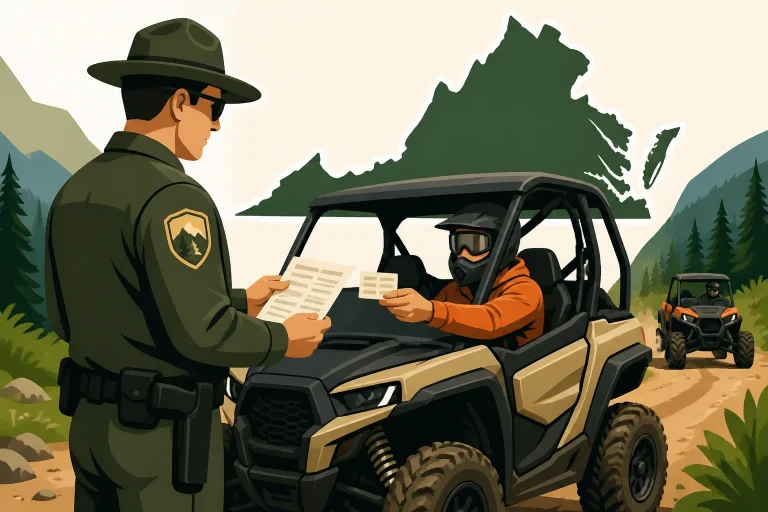
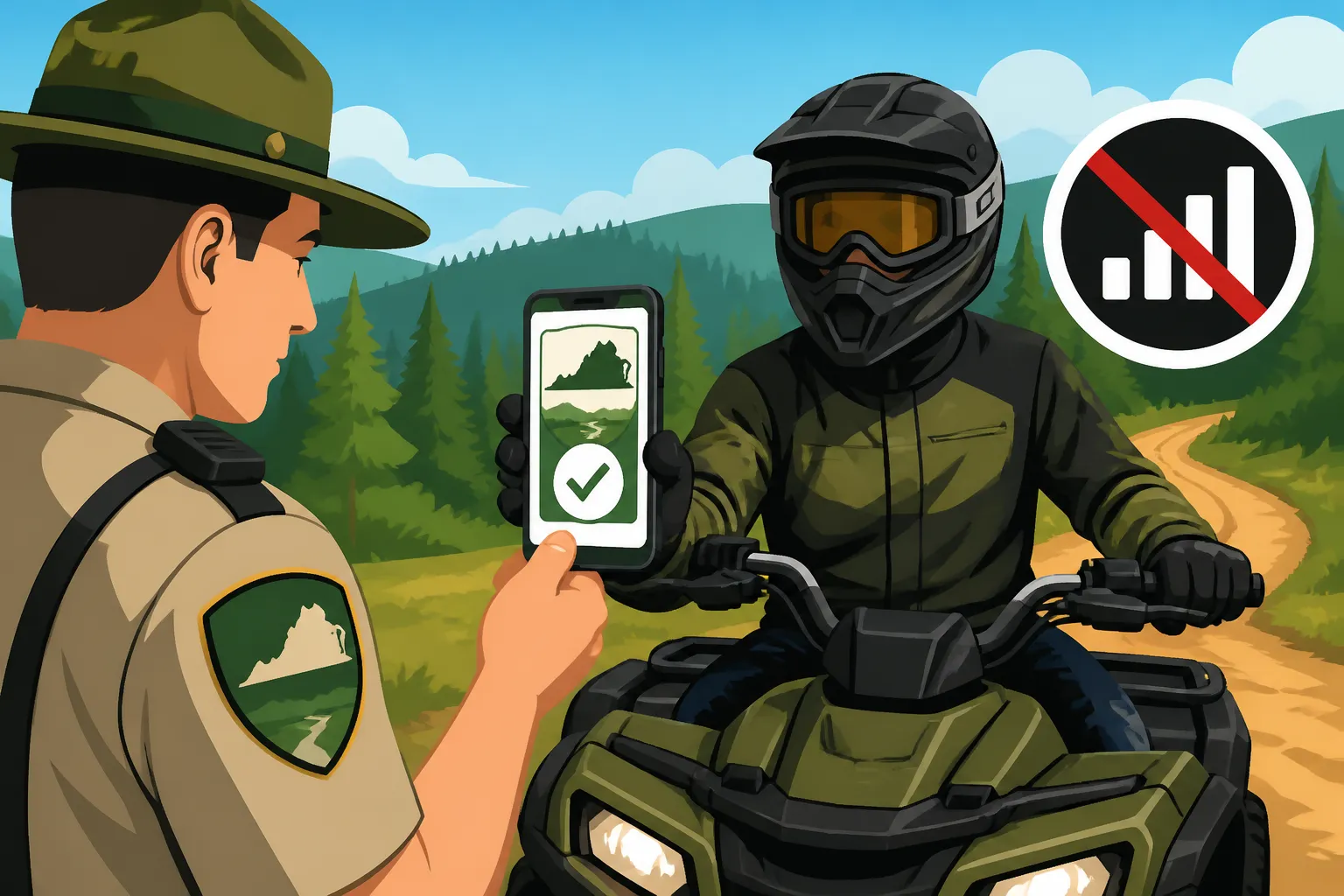
If a ranger asks to see your permit while your phone has no service, stay calm and explain that the phone is offline. Open the saved copy and show the rider details. Have the matching photo ID ready. If the saved message will not open, tell the ranger the name used for the purchase so the permit can be looked up. Rangers can look up permits by name, but a lookup still depends on the details being accurate and the permit being in the system.
Be ready to clarify which trail network you are on. A Spearhead permit and a National Forest OHV permit are not interchangeable. Likewise, a permit for one person should not be treated as coverage for every rider in a group unless the permit terms specifically say so. For additional context on checks and identity, see What a Trail Ranger Checks When You Are Stopped and Virginia Permit Verification Steps.
If the name on your permit differs from your ID, or you bought the permit for another rider, explain that clearly rather than presenting a partial screenshot as if it settled the issue. The ranger can tell you what the record shows and whether the permit meets the applicable requirements. Resolve name or purchase errors with the permit office as soon as you can; a trailhead conversation is a poor time to try to recover an account password, locate a receipt, or make a new purchase with unreliable service.
If your phone is dead, do not assume a printed email, a passenger’s screenshot, or a verbal explanation will automatically count as proof. Those records may help identify the transaction, but the official decision rests on the applicable permit rules and the ranger’s ability to verify the permit. Keep your phone charged and bring ID so you have more than one way to establish who purchased or holds the permit.
A lost signal is also not a reason to ride beyond the area covered by your permit or to enter a different system. Check the route and permit coverage before the ride. If you are planning a trip that includes more than one trail network, confirm each system’s requirements ahead of time. Virginia Permit Checks on the Trail and Where a Spearhead Permit Stops Being Valid can help clarify what to expect.
A practical no-signal checklist
A few minutes of preparation can prevent a frustrating stop, especially when a group is eager to unload and ride. Use this checklist before the drive:
- Confirm each rider who needs a permit has the correct one.
- Verify the permit applies to the trail network on your plan.
- Open the purchase email and check the name and permit information.
- Save the information for offline access and test it with connectivity turned off.
- Bring photo ID that matches the permit name.
- Charge your phone and any backup power bank.
- Tell the group who holds each permit and how to find its details.
- Check current trail and permit rules before leaving, especially if you have not ridden that system recently.
If you cannot find the permit before departure, try to resolve the issue while you still have service. Search your email for the confirmation, check the account or purchase method used, and contact the permit provider if the record is unclear. Avoid waiting until you are at a remote trailhead to discover that the purchase went to a different email account or that the name is misspelled.
No-signal preparation does not need to be elaborate. The useful combination is a correctly issued permit, an offline copy that opens, and photo ID that matches the rider information. Keep in mind that saved images are a backup for access, not a guarantee that every format will be accepted in every circumstance. When in doubt, confirm the current verification process with the appropriate trail office before your trip.
Disclaimer
This article is for general informational purposes only and does not constitute professional advice. Laws, prices and regulations vary by location and change over time. Consult a qualified professional for guidance on your specific situation.