Verifying Your Identity When You Buy a Permit
Buying a Spearhead trail permit is straightforward until a name, ID, or youth waiver detail doesn’t line up. Identity checks help confirm who the permit belongs to and whether the rider meets the rules. The safest approach is to enter the permit holder’s information carefully, check any parent or residency requirements before paying, and keep the confirmation available for trail checks.
What identity verification means when buying a Spearhead permit
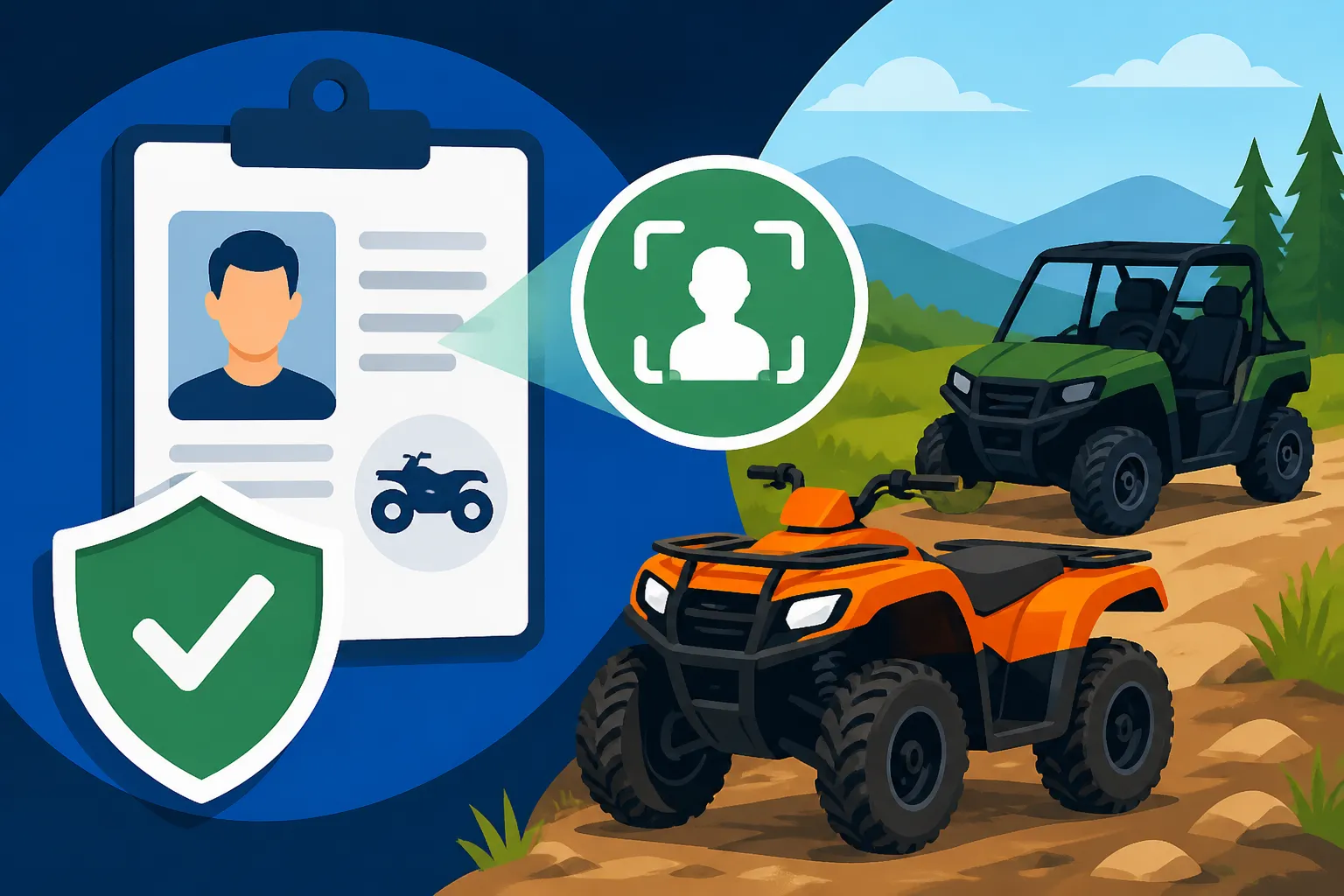
Identity verification connects a permit to the person who will use it. At purchase, you may need to provide identifying details and complete the required steps in the permit system. The important practical point is that the permit name should match the name on the rider’s photo ID. A trail ranger may check a permit using the rider’s name, so a confirmation email by itself is not a substitute for accurate information.
The check is not simply about proving that a payment went through. It helps establish that the person presenting the permit is the person associated with it. It can also help confirm eligibility when a permit type has conditions, such as a youth permit or a county-resident discount. Requirements can differ depending on the permit and the purchaser, so read the instructions shown during the transaction rather than assuming every buyer follows the same path.
For a rider with a current photo ID, the basic safeguard is consistency: enter the rider’s legal name as it appears on that ID, and use the same person’s information for the permit. If a system asks for additional information or documentation, follow its current instructions. Do not invent a shortened name, use another person’s details for convenience, or assume that a parent’s ID can stand in for a youth rider’s permit identity.
The matching-name rule matters after purchase, too. Spearhead permits are digital, and rangers can look them up by name. You may not receive a physical sticker to attach to the machine, but the digital record still has to identify the right rider. Keep the permit confirmation accessible and be ready to show photo ID if asked. The permit’s digital format is explained in No Sticker to Stick: Spearhead Permits Are Digital, and Trail Rangers Look Up Permits by Name covers what a check may involve.
Identity verification does not replace the other trail rules. A permit does not authorize a rider to use a trail system that is outside the permit’s validity, ignore age restrictions, or ride a machine that fails the system’s requirements. Before setting out, check Where a Spearhead Permit Stops Being Valid and review the rules that apply to the rider and machine.
How to avoid a name or identity mismatch
The easiest time to catch an error is before submitting the purchase. Pause at the permit holder details and compare each field with the rider’s identification. A small spelling difference can create uncertainty during a check, even if the rider can explain what happened.
Use this sequence before completing a transaction:
- Decide who will be the permit holder. Use the rider’s information, not the name of the person who happens to be paying, unless the purchase instructions specifically say otherwise.
- Have the rider’s photo ID available. Enter the name consistently with the ID and check the spelling, order, and any middle name or initial requested by the form.
- Review the permit type. Confirm that it is intended for the rider and the duration of the planned trip. Annual and three-day permits have different validity periods; a three-day permit is based on calendar days, not a rolling seventy-two-hour period.
- Complete any required waiver or eligibility steps. If the rider is a minor, follow the parent or guardian instructions rather than trying to complete the purchase as if the child were an adult.
- Check every field before paying. Confirm that the permit holder, contact details, and any required eligibility information are correct.
- Save the confirmation. Keep the email or other digital record accessible on the ride, and bring the photo ID that matches the permit name.
If the person paying is not the person riding, treat those as separate roles. A parent may arrange a purchase for a child, for example, but that does not necessarily mean the parent’s name should be entered as the permit holder. Follow the form’s instructions about who completes the transaction, who accepts a waiver, and whose name is tied to the permit.
Avoid using a nickname simply because friends or family use it. If the rider’s ID shows a formal first name but the form has been completed with a different everyday name, the difference can slow down a permit check. When a form’s fields do not seem to accommodate the name as shown on an ID, contact the permit office or use the official help channel before submitting. Guessing can leave the rider with a record that is difficult to verify.
If a purchase is being made on a phone, review the confirmation message before closing the page. Autocorrect, autofill, and saved account details can insert an old address or the payer’s name. That matters especially when a transaction is being completed for more than one rider. Each rider should have the correct permit record and should know which name the permit is under.
The detailed checkpoints are also summarized in Virginia Permit Verification Steps. For a broader explanation of the name issue, see Why Your Photo ID Must Match the Permit Name.
Minors, parent details, and discounted permits
A young rider’s purchase may involve more than entering the rider’s name. A parent or guardian may need to participate in the waiver process, and the rider still needs to meet the applicable youth permit and riding requirements. Do not treat the adult completing the transaction as automatically becoming the permit holder, or treat a child’s permit as a family-wide pass.
Before buying for a minor, identify the rider and the accompanying adult separately. Check whose information the permit form requests in each field, who must accept the waiver, and whether the adult must have a permit of their own. A parent’s presence or signature does not erase rules that apply to the child’s age or machine. Review Virginia Youth Permit Rules and Proving You Are the Parent During the Waiver before purchase if the form or family situation is unclear.
For a group of children, avoid copying the same adult or child information across multiple records unless the instructions expressly call for it. Each rider should be associated with the correct permit details. This makes it easier to answer a ranger’s questions and reduces confusion if a phone, email account, or payment method is shared among family members.
A discounted permit may introduce a separate eligibility check. If a discount is offered to residents of qualifying counties, the purchaser should verify the current residency rules and have any requested proof available. Do not assume that a mailing address, a family member’s residence, or the location where a machine is stored will establish eligibility. Confirm what qualifies and which person’s residence must be documented before selecting the discounted option. Proving Coalfield Residency When You Buy a Spearhead Permit explains the residency issue in more detail.
Identity and eligibility are related, but they are not identical. A photo ID can help confirm who the rider is, while separate information may be needed to establish that the rider qualifies for a particular permit type or discount. If the system requests proof, provide the information it asks for through the official process. Avoid sending sensitive identity documents through an unofficial channel or sharing them with a seller, another rider, or a social media contact.
If the permit is for a visitor from another state, do not assume a permit from a neighboring trail network or state will satisfy Spearhead’s requirements. Permit systems do not necessarily share records or accept one another’s passes. Check the rules for the specific system and purchase the appropriate permit for the ride.
After purchase: keeping the permit verifiable
Once the transaction is complete, check the confirmation rather than assuming it is correct. Make sure the permit holder’s name is spelled as expected, the selected permit type is right, and the validity dates fit the planned ride. If the permit arrives by email, save the message somewhere you can access without searching through a crowded inbox at the trailhead. Details about delivery are available in Your Spearhead Permit Arrives as an Email.
Carry the photo ID that matches the permit name. A screenshot or downloaded copy of the confirmation can help if mobile reception is poor, but it does not fix a mismatch between the permit record and the rider’s identification. If the permit is stored in an account or digital wallet, confirm that you can open it before leaving home. Taking a screenshot may also help preserve the confirmation details, though riders should still follow any current instructions from the permit provider.
If you notice an error after paying, act promptly. Contact the official permit office or support channel and explain what needs correction. Have the confirmation and the affected rider’s correct information ready. Do not buy a second permit immediately unless the provider advises you to do so; duplicate purchases may not solve the underlying record problem. Also, do not assume that a permit can be transferred to another person just because the original buyer has not used it. Check the current transfer, correction, and refund rules first. Spearhead Permits Are Final Sale, No Refunds explains why it is important to review the purchase before completing it.
If the name on the permit is correct but the ID has changed, or if the rider has a name-change document that explains a difference, ask the provider what documentation it accepts. Carrying relevant official documents may help explain the situation, but do not assume a ranger can amend the permit record at the trailhead. When a mismatch is known in advance, resolving it through the official channel is more reliable than waiting for a check.
At the trailhead, answer identity questions plainly and show the permit information requested. A ranger may be able to find the digital record by name, but being able to show the confirmation and matching ID can make the process clearer. If a ranger cannot find the record, calmly check the spelling and permit details with them. Then contact the permit office if the problem appears to be a record error rather than an access or eligibility issue.
Before purchase, the most useful checks are simple: the right rider is named, the photo ID matches, youth and parent steps are complete, any discount is supported, and the permit is valid for the intended system and dates. Those checks do not guarantee that every unusual case will be handled the same way, but they reduce avoidable problems and make it easier to prove that the rider has the right permit.
Disclaimer
This article is for general informational purposes only and does not constitute professional advice. Laws, prices and regulations vary by location and change over time. Consult a qualified professional for guidance on your specific situation.