Trail Rangers Look Up Permits by Name
A permit check at a Virginia trailhead can feel confusing if you expect a sticker or paper pass. On Spearhead trails, a ranger can look up a permit by name, but that does not mean you should arrive without your confirmation or identification. Here’s how name-based checks work, what to keep handy, and how to avoid delays when a phone has no signal.
How a name-based permit check works
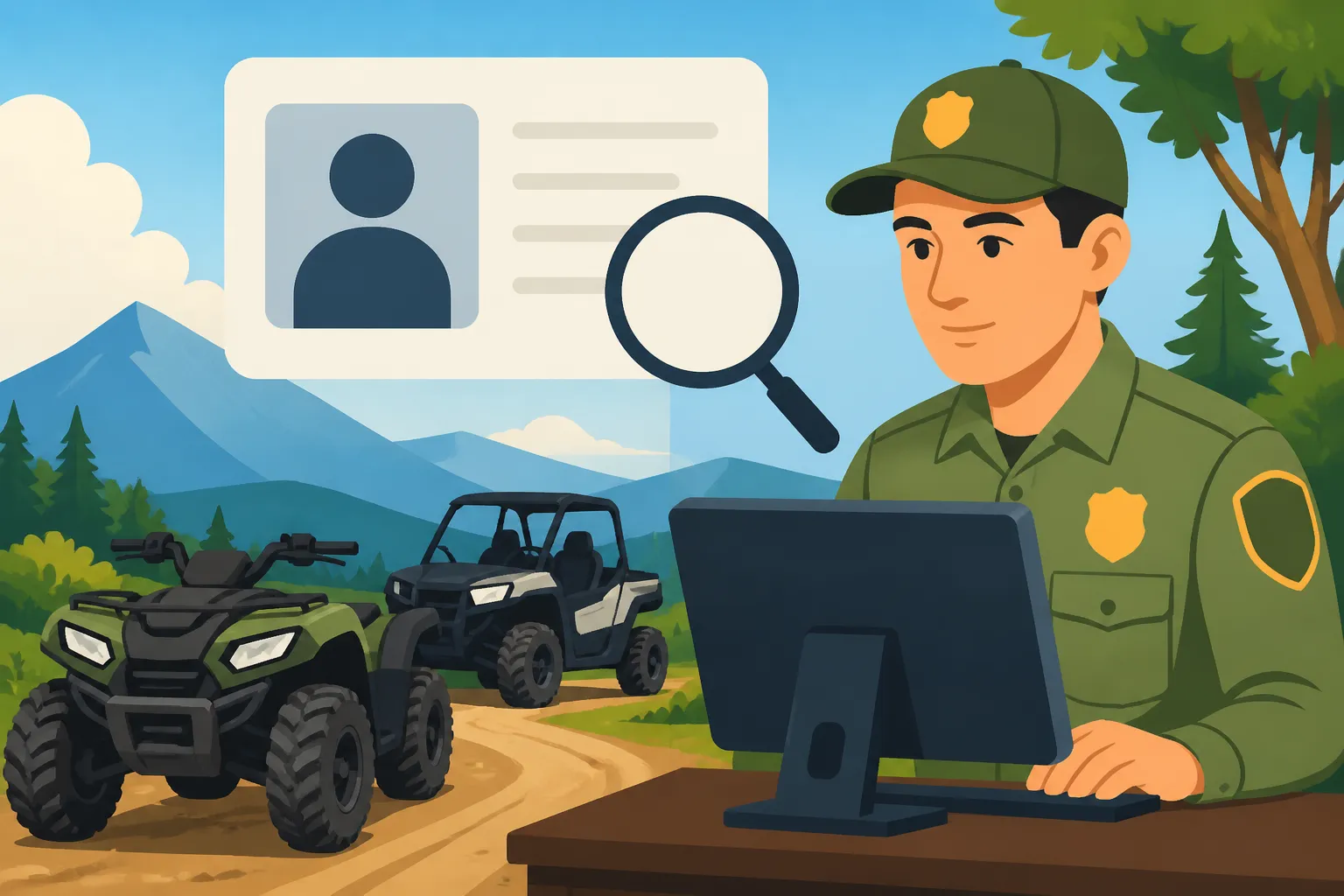
Spearhead permits are digital, so riders do not need a physical sticker to display on a machine. A ranger can check a permit record by name rather than relying on a decal. The lookup helps verify that the rider has a valid permit for the trail system, but it is not a reason to leave all supporting information at home.
The name on the permit matters. If the name you give a ranger does not match the permit record, the check may take longer while the details are clarified. Carrying photo ID that matches the permit name makes it easier to resolve a simple spelling or identity question. For more detail on matching identification and permit records, see Virginia Photo ID Matching a Permit and Virginia Permit Verification Steps.
A name lookup also depends on the permit being valid for the system you are riding. A permit for one trail network does not automatically cover every off-road area in or near Virginia. Spearhead and Hatfield-McCoy, for example, use separate permits, and a national forest permit is another distinct authorization. Before you travel, confirm that the permit you bought applies to the exact system and dates on your itinerary. Hatfield-McCoy and Spearhead Still Sell Separate Permits explains why one permit cannot be treated as a substitute for another.
A permit record is not a general ownership document or an all-purpose riding credential. The ranger’s check is about trail access and permit status. It does not replace compliance with the trail system’s other requirements, such as age, equipment, operating hours, or machine rules. Keep those rules in mind even when the permit lookup goes smoothly.
What the ranger may need to confirm
At a basic check, be ready to provide the name associated with the permit and show matching identification if asked. The ranger may need to clarify which permit or rider in a group you mean, particularly when several people are traveling together or a parent has arranged permits for minors.
Give the name as it appears on the permit, rather than a nickname or a shortened version. If the purchase used a different email address from the one you normally use, that should not change the permit name, but it can make the confirmation harder for you to find. Keep the purchase email or other confirmation accessible as a backup.
The lookup is a useful verification method, not a guarantee that every mismatch can be resolved instantly. A misspelled name, a mistaken purchase date, or selecting the wrong permit product can all lead to questions. If your details are unclear, ask the trail office or permit provider to help correct or confirm them before you set out. Virginia Trail Rangers and Permit Checks covers the broader purpose of checks on the trail.
Name lookup is not the same as a paper pass
A rider may expect to receive a hangtag, windshield sticker, or printed permit to show at the trailhead. Spearhead permits are digital, so the absence of a physical decal does not itself mean something is wrong. The ranger can check the record, and the rider should still be prepared to identify the permit holder and show confirmation if needed.
If you want a paper backup for your own reference, you can print the confirmation. A printout is not a replacement for the digital record, and you should not assume that another trail system accepts the same format. The key is that the permit can be verified and that the name and permit details are accurate. For the digital format and what riders receive after purchase, see Your Spearhead Permit Arrives as an Email and Virginia Permits Are Digital Only.
What to have ready when a ranger checks
The simplest way to make a name lookup quick is to prepare before reaching the trailhead. Keep the permit holder’s name, matching photo ID, and permit confirmation easy to access. Do not assume cell service will be available when you need to open an email or account.
| Have ready | Why it helps | Practical tip |
|---|---|---|
| Name on the permit | Gives the ranger a clear starting point for the lookup | Use the full name as it appears on the permit |
| Matching photo ID | Helps confirm the identity associated with the permit | Keep it with your riding gear, not buried in a vehicle |
| Permit confirmation | Provides a backup if there is a typo or question about the purchase | Save the email or confirmation for offline viewing |
| Correct trail-system information | Helps avoid confusing one network’s permit with another’s | Check the system name and the dates before leaving |
| Details for each rider | Helps sort out group members and youth permits | Keep a simple list of riders and permit holders |
A screenshot or saved email can be useful when internet access is unreliable. Open the confirmation before leaving home and make sure it is saved in a way that remains viewable offline. If you prefer a paper copy, keep it dry and available. A waterproof phone pouch, including one available from Amazon, can help protect a device from mud or rain, but it is optional and does not replace a working permit record or identification.
Keep the backup practical. A screenshot of a payment notification alone may not show the permit holder, trail system, or validity period. Save the actual confirmation or relevant permit details, not just evidence that a transaction occurred. If the email includes instructions or terms, keep those visible too.
For a more complete checklist before riding, use Virginia Permit Checks on the Trail. If you are unsure which details are needed for a verification, review Virginia Permit Verification Steps and contact the trail office before the trip.
Set up the information before you lose service
Do not wait until a ranger is standing beside your machine to search through a crowded inbox. Before departure:
- Find the permit confirmation and check that the name is correct.
- Confirm the trail system and the permit’s valid dates.
- Save the confirmation for offline access or print a copy for reference.
- Put matching photo ID somewhere accessible and secure.
- If traveling with others, make sure each rider knows whose name is on each permit.
- Resolve spelling or purchase questions with the provider before riding.
These steps are especially helpful when you are traveling with a group, sharing vehicles, or carrying permits arranged by another person. Each rider should know whether their own name is on a permit or whether another adult is responsible for coordinating the record. Do not rely on a group leader remembering every detail for everyone.
Prepare for a lookup when your phone has no service
Mountain terrain and remote trail areas can have weak or nonexistent mobile coverage. That does not necessarily prevent a ranger from checking a permit, but it can prevent you from retrieving your own email or account information. Plan to access your confirmation without depending on a live connection.
Before you leave a place with reliable internet, open the confirmation on your device and save it for offline viewing. Take a screenshot of the relevant details if that is the easiest way to keep them accessible. Make sure the saved image is readable and includes the permit holder’s name and trail-system information. If the confirmation is several screens long, save the parts that identify the permit and its validity.
A printed copy can be a helpful backup, particularly for a group leader carrying records for several riders. Keep it dry and do not treat it as the only proof you will ever need. The permit is still digital, and a printout cannot correct a problem with the actual record. Showing a Digital Permit With No Cell Signal offers more practical guidance for riding where connectivity is limited.
Check your phone before the trip as well. A nearly discharged battery is little use even if the confirmation is saved offline. Charge the device, consider carrying a power bank, and avoid relying on a phone that is likely to be exposed to water or impact without protection. If one person in the group has the confirmation, another adult can keep a backup copy so a dead or damaged phone does not stop everyone from finding the relevant information.
If you bring paper, keep it separate from items likely to get soaked. If you bring a phone, make sure you know how to open the saved information while the device is offline. The goal is not to carry every possible document; it is to make the permit details and identity easy to confirm.
If you cannot find the confirmation
First, check the name used for the purchase and the email account that received the confirmation. Search the inbox for the permit provider or trail system name, and check spam or other filtered folders. If someone else purchased the permit, contact that person before you ride and ask them to share the confirmation details.
A payment receipt may show that money was paid, but it may not show that the correct permit was issued or that it covers the system you intend to ride. If the record is missing, unclear, or attached to the wrong person, contact the relevant permit provider or trail office rather than assuming a ranger can resolve every issue on the spot. Keep any response or updated confirmation available offline.
If the permit name has a minor typo, do not decide on your own that it will be accepted. A matching ID can help explain a small discrepancy, but it is better to ask the provider whether the record needs correction. For help with questions to raise before arrival, see Questions Worth Asking a Spearhead Trail Office.
Avoid common name-lookup problems
Most slow checks are preventable. A quick review before departure can catch wrong-system purchases, mismatched names, and missing confirmations while there is still time to fix them.
A different name appears on the permit
The permit should be associated with the rider or permit holder as required by the system. If a family member or friend purchased it, verify whose name appears on the record. Do not assume that the buyer’s name and the rider’s name are interchangeable. If the permit is in another person’s name, check the applicable rules and ask the provider what to do.
This matters especially when a parent or guardian handles permits for younger riders. Make sure the responsible adult understands which name is on each record and can provide any required identification or information. Review [Virginia Youth Permit Rules] before bringing minors, since permit verification is only one part of planning for young riders.
A name is misspelled or abbreviated
A missing middle initial may be harmless in some situations, while a more substantial mismatch can create questions. There is no good reason to guess how a particular discrepancy will be treated. Contact the permit provider before the ride and ask whether the name should be corrected. When speaking with a ranger, provide the name exactly as shown in the record first, then explain the mismatch and show your ID if requested.
The group leader has all the information
One adult can organize a group, but each rider should know what permit applies to them and whose name is on the record. If the group leader gets separated, loses a phone, or has a dead battery, riders should not be left unable to identify their own permit details. Share confirmation information in advance or keep a second copy with another responsible adult.
Do not assume that one person’s permit covers every machine or rider. Confirm what each permit authorizes and whether any riders need their own permit. For rules on how youth permits work, refer to [Virginia Youth Permit Rules].
The permit is for a different trail system
A rider may travel between nearby areas and assume a single permit covers the whole trip. Verify each system separately. Spearhead, national forest riding areas, private parks, and neighboring-state networks can have different permit arrangements and requirements. A name lookup can confirm a record in the system being checked; it cannot make a permit valid somewhere else.
Check the destination name on your confirmation, not just the seller or website where you bought it. If the trip includes more than one riding area, make a separate list of permits and rules for each stop. Virginia Permit Checks on the Trail can help you think through what may be checked, while Hatfield-McCoy and Spearhead Still Sell Separate Permits explains one important distinction for riders planning across the state line.
Groups, families, and riders using another permit system
Name-based lookup is straightforwardest when one rider has one correctly named permit and matching identification. It can take more coordination when adults buy permits for a family, a group leader organizes several riders, or a trip includes multiple networks. A little recordkeeping makes those situations easier without turning the ride into a paperwork exercise.
For a family, keep track of which adult arranged each permit and whether a youth rider’s permit is connected to the adult’s details. The accompanying adult should know how to locate the confirmation and should carry the identification that matches the relevant record. Do not rely on a child to explain a purchase made on a parent’s phone.
For a group, make a short roster with each rider’s name and the permit system they are using. Keep it private and use it only to organize the trip. The roster does not replace individual permits or identification, but it can help the group leader answer a ranger’s questions accurately. Make sure no one mistakenly assumes that a single confirmation covers the entire group.
If you are visiting from another state, do not assume that a permit from your home riding area will be accepted in Virginia. Confirm the Virginia system’s permit rules before you travel, and check separately if you plan to ride at a neighboring system. Reciprocity should never be inferred from the fact that two trail networks are geographically close. For system-specific questions, contact the relevant trail office and ask what permit is required for your planned route.
The permit check is only one part of being ready to ride. Review the applicable age and equipment rules, know the permitted operating hours, and make sure the machine is allowed on the trails you plan to use. Riders on a system with separate permit requirements should keep those records distinct instead of combining them into one assumption. This is particularly important on a longer trip with several trail stops.
Frequently Asked Questions
Can a Spearhead ranger look up my permit by name?
A ranger can check a Spearhead permit by name. Give the name exactly as it appears on the record, and have matching photo ID and your confirmation available in case the details need clarification.
Do I need a sticker or printed pass?
Spearhead permits are digital, so a sticker is not required as the way to prove the permit. A saved confirmation or printout can be a useful backup, but it does not replace the digital permit record.
What if I have no cell service?
Save the permit confirmation for offline access before you leave an area with internet service. A screenshot or printed copy can help you refer to the details, and matching identification is still useful.
What if the permit is in someone else’s name?
Check the applicable permit rules and contact the provider if you are unsure whether the record is valid for your situation. Do not assume that a buyer’s permit automatically covers another rider.
Does one permit work at every Virginia riding area?
No. Permit requirements are system-specific. Confirm the permit for each destination, especially if your trip includes Spearhead, a national forest riding area, or a neighboring-state network.
Disclaimer
This article is for general informational purposes only and does not constitute professional advice. Laws, prices and regulations vary by location and change over time. Consult a qualified professional for guidance on your specific situation.