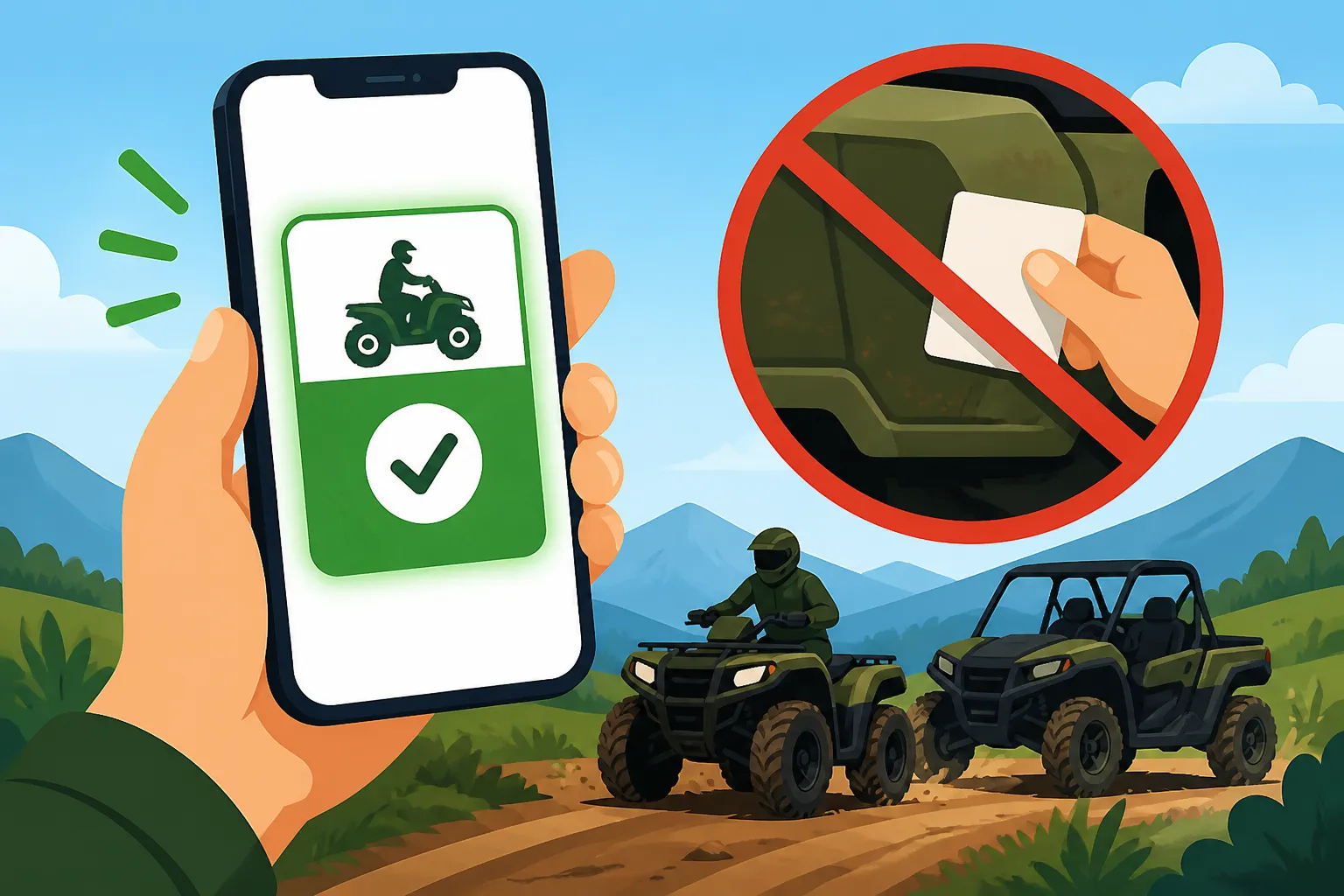
No Sticker to Stick: Spearhead Permits Are Digital
A Spearhead permit does not come as a sticker to attach to your ATV or UTV. That can be convenient, but it also means you need a reliable way to show that your permit is valid when asked. Here’s how to handle the digital permit, prepare for weak cell service, and avoid confusing a permit confirmation with permission to ride.
What a digital Spearhead permit means
Spearhead permits are digital rather than physical decals. After purchase, the permit information is delivered electronically, so you do not need to wait for a sticker in the mail or decide where to place one on your machine. The trade-off is that you should plan how you’ll access the permit when you are away from home and possibly outside cell coverage.
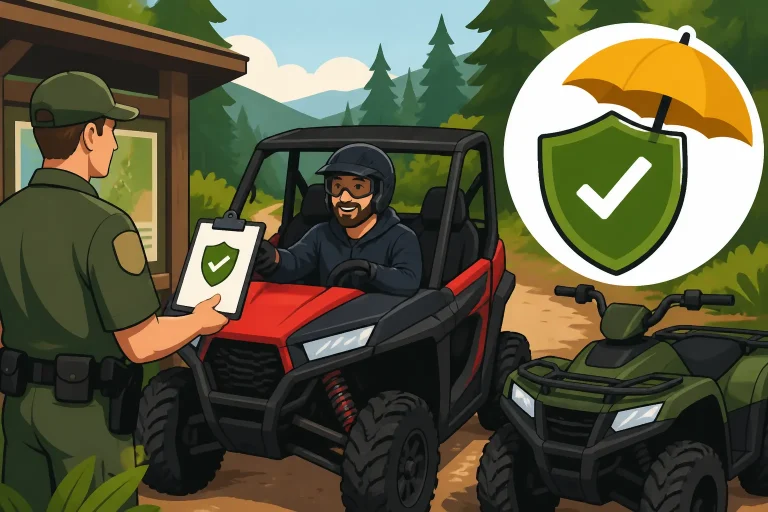
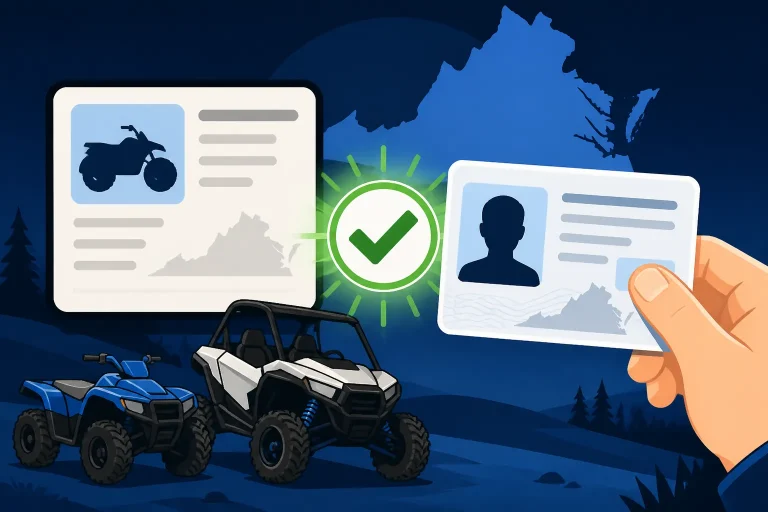
The permit is tied to the purchaser’s information, not displayed on the machine as a visible sticker. A trail ranger may check permit status electronically, including by looking up the rider by name. Carry photo identification that matches the permit information, and keep the purchase confirmation available in case a lookup takes longer than expected. For details on the information a ranger may check, see What a Trail Ranger Checks When You Are Stopped and Virginia Permit Checks on the Trail.
A digital permit is not the same as a general trail pass that automatically covers everyone in your group. Each rider should understand which permit applies to them, whether a youth permit is needed, and what the system’s current rules say about accompanying adults. Review Virginia Spearhead Trail Permits and Virginia Permit Questions Riders Ask before you buy, especially if you are riding with minors or a group.
| Digital permit detail | What it means for your ride |
|---|---|
| No physical sticker | You do not need to attach a Spearhead permit decal to the machine |
| Electronic delivery | Save the confirmation somewhere you can access away from home |
| Permit tied to purchaser information | Bring matching photo identification |
| Possible electronic lookup | Be ready to provide the name used for the purchase |
| Weak cell service may be an issue | Prepare an offline copy, but check what the trail system accepts as proof |
| Separate trail systems may have separate permits | Confirm your permit covers the network you plan to ride |
The lack of a sticker does not mean there is no permit check. It only changes how the permit is recorded and verified. Keep the confirmation and identification accessible, and do not assume that a machine with no decal is automatically cleared to ride.
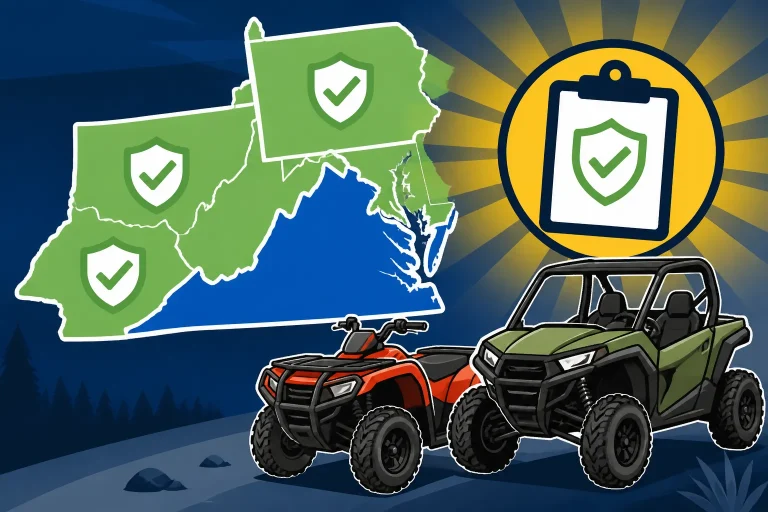
This also matters when you are visiting from another state. A permit from another riding area may not cover Spearhead, even if both systems use electronic permits or are relatively close to one another. Check Hatfield-McCoy and Spearhead Still Sell Separate Permits before planning a trip across systems.
Set up your permit before leaving home
The easiest time to deal with a digital permit is before you load the trailer. Find the confirmation email, make sure the permit details are legible, and check that the name on the permit matches the photo ID you intend to carry. If you are purchasing for more than one person, take a moment to confirm each rider’s permit information rather than assuming one buyer’s email covers the whole group.
For the current purchase steps and permit choices, use How to Buy a Virginia Trail Permit. If you are deciding between an annual and a short-term option, Virginia Annual vs Three-Day Permits can help you identify what to compare. Confirm the rules on the official purchase or trail-system channels before relying on an old confirmation, saved webpage, or advice from another rider.
Once you have the permit, make it available in more than one way:
- Keep the original email. Do not delete it after purchase. If possible, leave it in your inbox and mark it as important or move it to a folder you can find quickly.
- Save a copy for offline access. Download the confirmation or save a clear screenshot on your phone before you leave a reliable internet connection. A screenshot is a backup for your own reference; do not assume it replaces the required verification method.
- Bring the matching photo ID. Keep the ID with you, not in a vehicle parked far from the trail or buried under gear.
- Check the permit details. Confirm the rider name, validity period, and intended trail system. If anything looks wrong, resolve it before the trip rather than waiting until you reach the trail.
- Tell other riders what they need. Each person should know which permit applies to them and how the group will handle a check.
Do not rely solely on a confirmation email that requires a fresh login or a working data connection. Email apps can sign out, passwords can be forgotten, and attachments may fail to load in a low-signal area. A downloaded copy can make the information easier to retrieve, while the original confirmation gives you a way to verify the purchase if questions come up.
A phone is useful, but it is also easy to misplace, drain, or damage on a rough ride. Keep it charged and protected. A waterproof pouch or case can help keep the phone usable around mud and rain; riders looking for one might compare options from retailers such as Amazon. A pouch is just a practical accessory, not an official permit requirement.
If you purchase close to the ride date, check for the confirmation before heading out. If it has not arrived, search your spam or promotions folders and verify that you entered the correct email address. Use the permit provider’s contact channel if you still cannot locate it. A payment record alone may not show all the details needed to verify a permit.
For additional preparation, Virginia Permit Verification Steps covers the kind of information to have ready. The key is to arrive with the same identifying details you used at purchase and a way to access the confirmation even if your phone has no signal.
Showing a digital permit when service is poor
Cell coverage can be inconsistent in mountain riding areas. That does not necessarily prevent an electronic permit lookup, but it can make it harder for you to open email, sign in to an account, or show a web page from your phone. Downloading the confirmation before you arrive is a sensible precaution.
A saved screenshot or downloaded file can help you answer basic questions quickly, such as which name is on the permit or whether you have the purchase confirmation. However, the screenshot should be treated as a backup, not a guarantee that it will satisfy every check. The trail system may verify the permit through its own records. Follow the instructions provided with your permit and cooperate with a ranger if they need to confirm it another way.
For more on planning around a dead zone, see Showing a Digital Permit With No Cell Signal. If you are unsure whether the permit is associated with the correct rider, review Why Your Photo ID Must Match the Permit Name before traveling.
A few simple habits make a digital check less stressful:
- Charge your phone before leaving and consider carrying a portable battery.
- Save the confirmation to the device rather than relying on a link that must load online.
- Keep the screen brightness high enough to show the details when asked.
- Avoid storing the only copy on a device that will stay in the truck while you ride.
- Bring identification that matches the permit name.
- Do not hand over your phone unlocked or leave it unattended; display the relevant information when requested.
If your phone battery dies or the file will not open, do not argue that the digital format means no proof is needed. Explain the problem and provide your name and identification so the ranger can check the system. A printed copy of the confirmation may be a useful personal backup, but it does not become a required permit sticker or replace whatever verification process the system uses.
When several riders are traveling together, do not let one person’s dead phone hold up the whole group. Each permit holder should know the name associated with their permit and carry their own identification. The group can also agree in advance on who has saved confirmations and where those copies are stored.
Common mistakes to avoid
The most common misunderstanding is thinking “digital” means “nothing to carry.” You may not need a decal on the machine, but you still need to meet permit rules and be prepared for a check. Another mistake is assuming a purchase receipt, bank transaction, or screenshot automatically proves a valid permit. Keep the actual confirmation and follow the provider’s verification instructions.
Also avoid these preventable problems:
- Using a different name than the rider’s ID. If someone else buys the permit, confirm who is listed as the permit holder and what identification the rider needs.
- Assuming one permit covers every person. Check the applicable rules for each rider, including youth requirements.
- Confusing permits between systems. A Spearhead permit may not be valid for another network. Verify coverage before you drive to a different trail system.
- Waiting until the trailhead to look for the email. Download or save the confirmation before leaving service.
- Treating a screenshot as official approval. Use it as an access backup and let the ranger verify the permit as required.
- Relying on old details. Permit procedures and conditions can change, so check current instructions before the ride.
If a name, email address, or other detail is wrong, contact the permit provider before riding rather than assuming a ranger can correct it at the gate. Likewise, if you cannot find a confirmation, do not buy another permit automatically without first checking whether the purchase went through and asking the provider how to resolve it.
A quick pre-trip check can keep the digital format simple: confirm the right permit, confirm the name, save the confirmation offline, pack matching identification, and make sure your phone is charged. Then the absence of a sticker is one less thing to attach or replace, not an uncertainty to sort out on the trail.
Disclaimer
This article is for general informational purposes only and does not constitute professional advice. Laws, prices and regulations vary by location and change over time. Consult a qualified professional for guidance on your specific situation.