Proving You Are the Parent During the Waiver
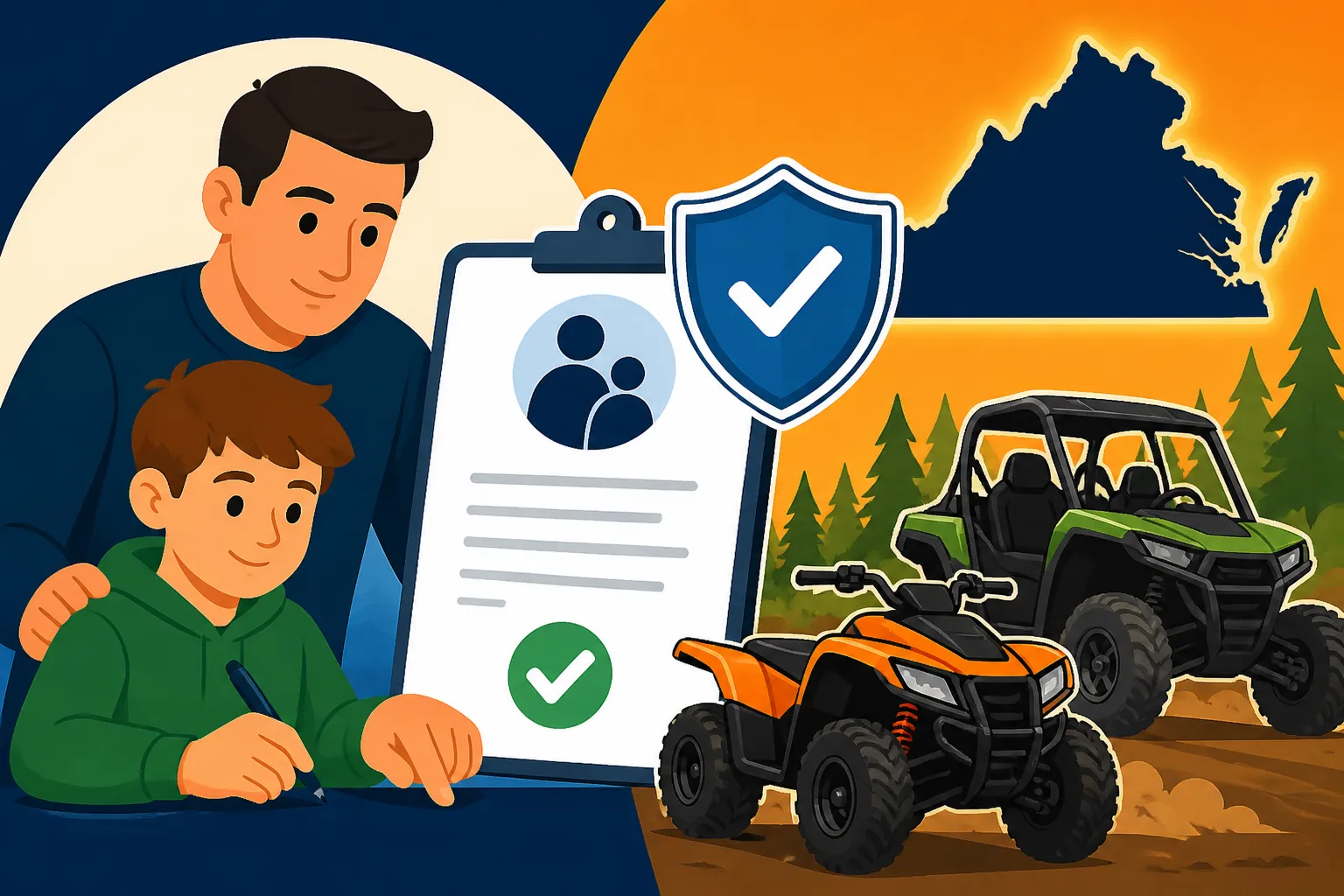
When a rider under 18 needs a waiver for a Virginia trail permit, the adult completing it may have to establish both identity and authority to sign for the child. Those are separate questions, and a name mismatch can slow things down. Prepare to show the relationship, confirm who must ride with the minor, and check what the permit office accepts before you travel.
What the waiver is trying to confirm
A waiver for a minor is not just another field in a permit order. The system needs to identify the child, identify the adult signing, and confirm that the adult is allowed to sign for that child. Depending on the family’s circumstances and the waiver process, proving one of those things may not prove the others.
For example, an adult’s photo ID can verify the adult’s identity, but it may not show that the adult is the child’s parent or legal guardian. A different last name does not automatically mean the adult lacks authority, but it can make the relationship less obvious to a person reviewing the waiver.
Keep these questions separate:
- Who is the adult? The adult may need to provide identification or enter details that match an ID.
- Who is the child? The child’s name and age need to be entered accurately.
- What is the adult’s authority to sign? The waiver process may require evidence of a parent-child relationship or legal guardianship.
- Who must accompany the child on the trail? Permit rules can impose a separate riding or supervision requirement.
The adult who signs should be someone authorized to do so, not simply the person who happens to be buying the permits or driving to the trailhead. If a grandparent, stepparent, foster parent, or other adult is handling the transaction, do not assume that being related to the child or having permission from a parent will meet the waiver’s requirements. Ask the permit office what it accepts for that situation.
Virginia’s rules for minors and a trail system’s permit conditions are not necessarily the same thing. For the riding requirement, see Virginia Rules for a Rider Under 18. For what an adult needs to do when riding with a minor, see Virginia Parent Riding With a Child. Check the trail system’s current conditions as well as state rules; satisfying one does not automatically satisfy the other.
What to prepare before completing the waiver
Start with the information the permit system requests, and enter names as they appear on the relevant identity documents. A small difference—such as a nickname, omitted middle name, transposed letters, or a recent name change—can create a mismatch that takes longer to sort out at check-in.
Before submitting, gather the following:
- The child’s full legal name and date of birth.
- The signing adult’s full legal name and current contact information.
- The adult’s identification, if the process asks for it.
- A document or record that may establish the adult’s relationship or legal authority, if requested.
- The permit or order details for each rider in the group.
- A way to contact the permit office if the online process does not accept the information.
Documents that may help explain a relationship can include a birth certificate, adoption record, or court document establishing guardianship. That does not mean every document will be accepted in every case, or that the system requires you to upload one. Do not send sensitive records through an unverified email address or upload them unless the official process specifically calls for them. Ask what is acceptable and how to provide it securely.
| Situation | What may need clarification | Sensible next step |
|---|---|---|
| Parent and child have different last names | The adult’s identity and the relationship to the child | Ask the permit office which records it accepts |
| A stepparent is completing the waiver | Whether the stepparent has authority to sign | Confirm the requirement before submitting |
| A grandparent or other relative is bringing the child | Whether that adult can sign and whether a parent must attend | Get a clear answer from the permit office |
| A legal guardian is signing | How to show the guardianship authority | Have the relevant court or guardianship document available if requested |
| The child’s name differs across records | Which name the waiver and permit should use | Contact the office before entering inconsistent details |
| The waiver was completed with an error | Whether it can be corrected or must be redone | Ask how to fix it before arriving at the trail |
Treat this as preparation, not a promise that a particular document will resolve every case. Waiver platforms and permit offices may use different verification steps, and the acceptable evidence can depend on the circumstances. The safest option is to describe the situation plainly and ask what they need before the group leaves home.
If the waiver process verifies the adult’s identity online, make sure the identity details belong to the adult who is actually signing. Do not use a parent’s information for a different adult simply because the parent gave permission. If someone other than a parent or guardian needs to sign, get instructions first.
How to handle common family situations
Different last names
A child and parent may have different surnames for many ordinary reasons. Enter each person’s name accurately rather than changing one to make the names match. If the waiver flags the difference, contact the permit office and ask what evidence it needs to connect the two identities.
If the adult has changed names, bring or have available the documentation the office says it accepts. Avoid guessing that an old school record, insurance card, or family photograph will count as proof. Ask about accepted documents and whether they need to be shown during the online waiver, at the permit counter, or only if staff request them.
A stepparent or other relative is bringing the child
A stepparent may be the child’s day-to-day caregiver without having the same legal authority as a parent or guardian. A grandparent, aunt, uncle, or family friend may have the parent’s permission to travel with the child, but permission to transport a minor is not automatically the same as authority to sign a liability waiver.
Before relying on another adult to complete the waiver, ask whether the parent or legal guardian must sign, whether that person must be present, and whether any written authorization is accepted. Get the answer from the permit office rather than relying on what worked at a different park or on a previous visit.
A legal guardian is signing
If a court or other legal arrangement gives an adult authority over the child, the permit office may need a record that establishes that authority. Have the relevant paperwork available if requested, but first ask which document is appropriate and how it should be presented. A court order can contain private information, so share only what the official process requires.
If custody arrangements affect who can sign, do not assume that one parent’s relationship to the child settles the question. Follow the applicable legal documents and ask the permit office what its waiver procedure requires. For legal questions about authority to sign, consult a qualified professional rather than asking trail staff to interpret a family court order.
The child or adult has no matching photo ID
Do not invent details or borrow another person’s identity to make an online form go through. If the child is too young to have the identification requested, or the signing adult cannot complete the identity check, contact the permit office for its approved alternative. The answer may depend on the exact verification step in use.
For more on name matching during permit checks, see Why Your Photo ID Must Match the Permit Name. For the broader sequence of checking a permit before a ride, see Virginia Permit Verification Steps.
Check the requirements before you head to the trail
A completed waiver does not necessarily settle every permit or accompaniment requirement. Confirm the rules for the specific trail system and the type of permit you are buying. In particular, check whether the minor needs an individual permit, whether the parent or guardian must hold a separate permit, and whether that adult must ride with the child.
The requirements can be especially easy to confuse when a group includes adults and children buying different permit types. Review Virginia Youth Permit Rules and Virginia Annual vs Three-Day Permits if you are deciding which permits the group needs. A permit that covers one rider should not be assumed to cover a child or accompanying adult unless the official terms say so.
Before departure, use this checklist:
- Confirm the child’s age and the permit category that applies.
- Identify the adult who is legally authorized to sign the waiver.
- Enter the adult’s and child’s names exactly and review them for errors.
- Ask the permit office what to do if their names differ or another caregiver is signing.
- Confirm whether the parent or guardian must hold a separate permit and accompany the child.
- Save the confirmation or permit email where you can retrieve it, and keep the relevant permit information available during the ride.
- Avoid carrying unnecessary sensitive family records on the trail; bring only what the official instructions say is needed.
A digital permit can be convenient, but it does not remove the need to resolve a waiver problem before arrival. See Your Spearhead Permit Arrives as an Email for practical details about keeping permit confirmation accessible. If staff cannot match the waiver to the adult and child, the group may have to wait while the issue is reviewed, and a ride could be delayed.
When the situation is unusual, a short call or message before purchase is usually more useful than trying several combinations in the online form. Describe who the child is traveling with, who will sign, and whether names differ. Ask what evidence is accepted, whether the adult must be present, and whether the child and adult each need their own permit. Keep the response with your trip information so everyone in the group understands the plan.
Disclaimer
This article is for general informational purposes only and does not constitute professional advice. Laws, prices and regulations vary by location and change over time. Consult a qualified professional for guidance on your specific situation.